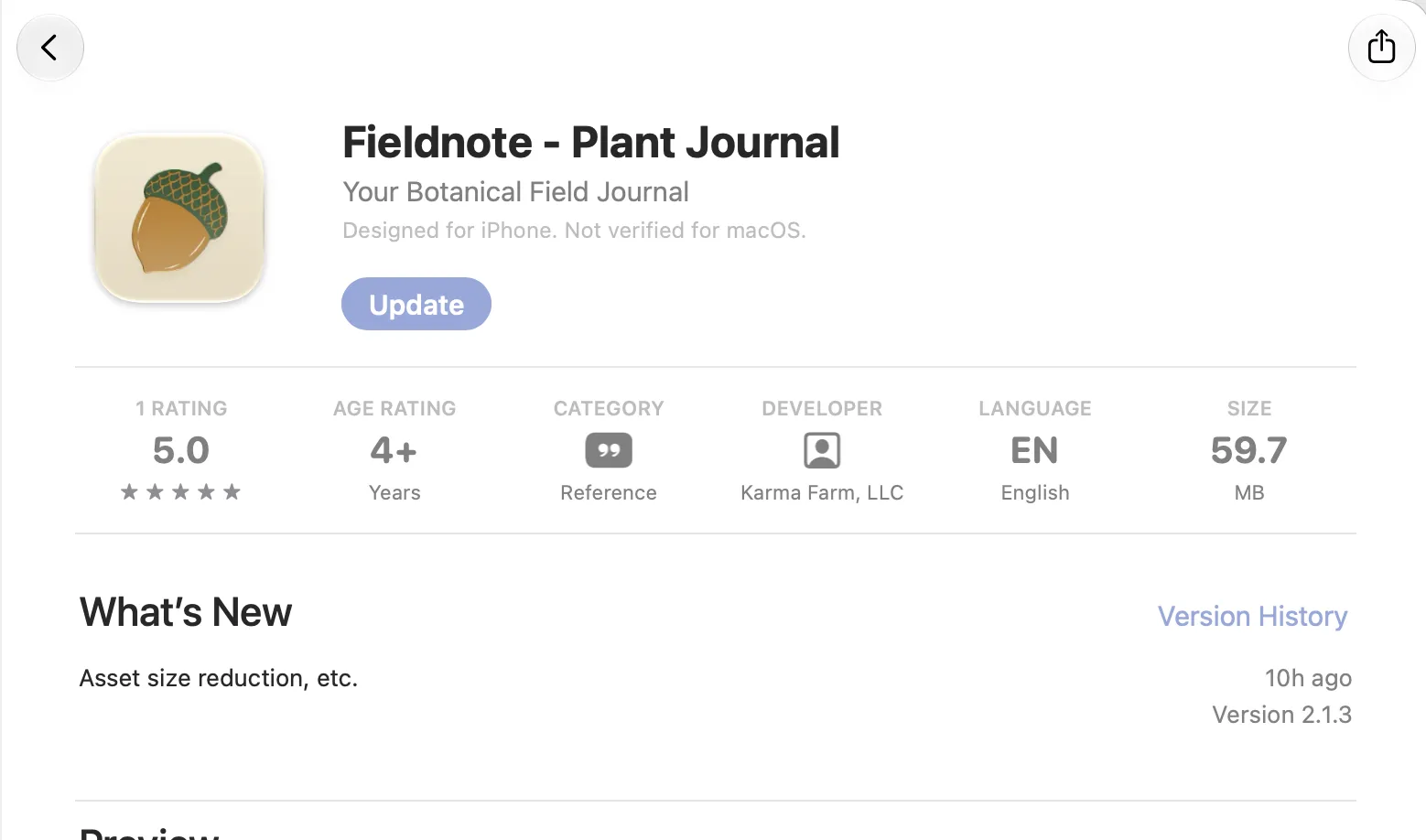
Fieldnote — Cutting the App Binary from 305 MB to 60 MB
Fieldnote is a plant journaling app. The core loop is more than identification: you detect a plant, and then you write a journal entry about the encounter — why this plant mattered, what was special about the moment, anything memorable about it. Identification is the entry point that brings the user to the journal.
Because of that, the visuals matter a lot. Each plant comes with a custom illustration and a gallery of photos, and you can tap any of them to view full-screen and zoom in — when you’re trying to learn what a plant actually looks like, being able to enlarge the leaf detail on a botanical plate makes a real difference.
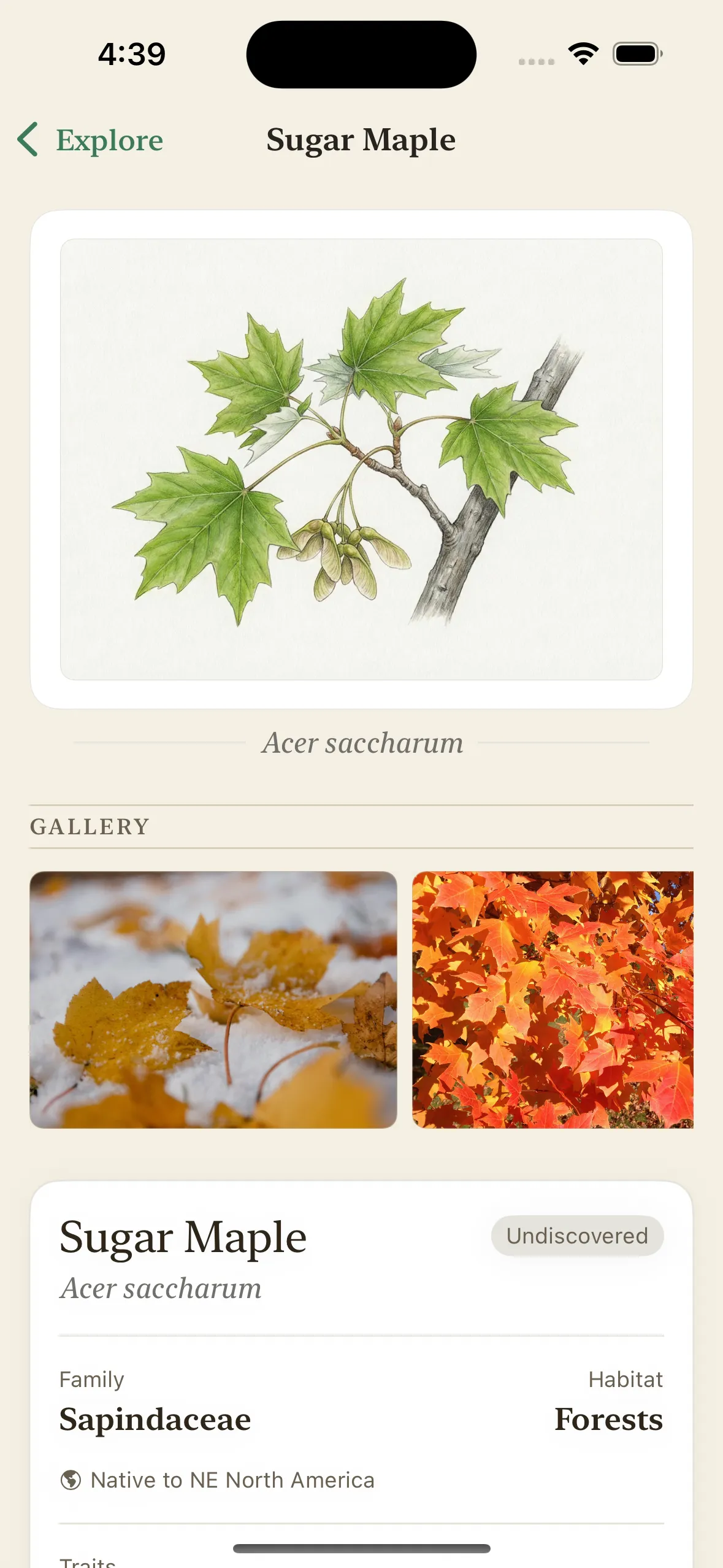
Recently I added regional catalogs: the plants you see depend on where you are, because California’s flora has almost nothing in common with the Northeast’s or Hawaii’s. But expanding the catalog surfaced a problem I didn’t expect — the app binary had grown past 300 MB. That’s a real conversion killer. People hesitate to download a 300 MB app, especially one they’re trying on a whim, and it takes up meaningful space on the device.
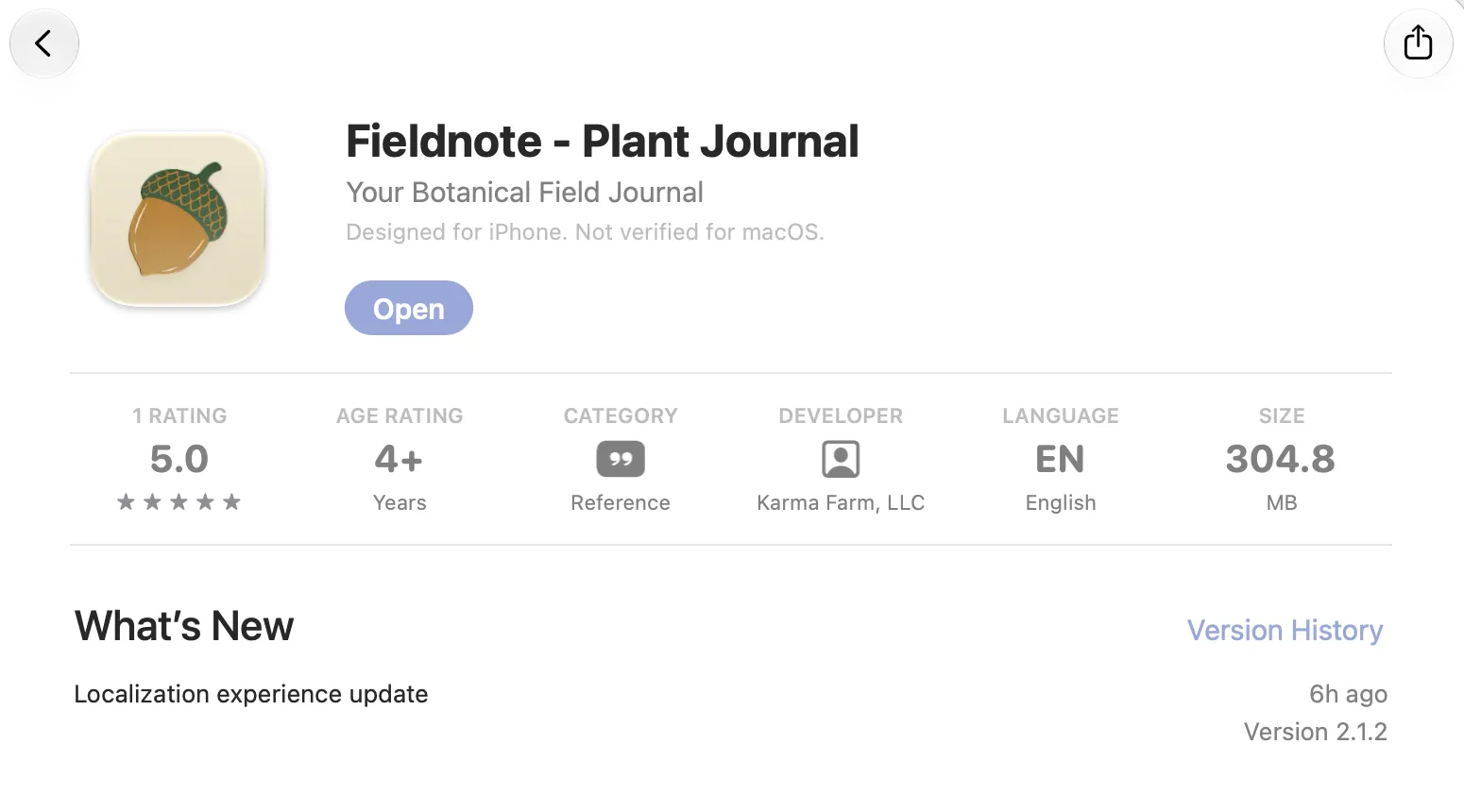
What made this confusing at first: I had already compressed the images. I’d converted the bundled illustrations and photos from oversized PNGs and JPEGs (some 6000×4000 pixels) to HEIC at display resolution, which took the source assets from ~364 MB down to ~22 MB. And yet the shipped app barely changed. How does 55 MB of compressed sources produce a 300 MB binary?
The answer is in how Xcode compiles asset catalogs. When you put images in Assets.xcassets, the build tool (actool) doesn’t ship your files as-is — it decompresses every image and re-encodes it with Apple’s own near-lossless codec. The size of the compiled Assets.car tracks the total pixel count of your images, not the size of your source files. All my careful HEIC compression shrank the git repo and did absolutely nothing for the user’s download. I verified this directly: 2.4 MB of HEIC sources compiled to a 23 MB .car.
The fix was to take the bulk imagery out of the asset catalog entirely. I moved all 215 illustration and photo image sets out of Assets.xcassets and ship them as loose .heic files in the app bundle instead. Loose bundle resources are copied verbatim — no re-encoding — so 55 MB of HEIC sources means roughly 55 MB in the app. A small helper loads them via UIImage(contentsOfFile:) with an in-memory cache, and since everything is referenced by asset name, the rest of the codebase didn’t have to change.
The result: the binary went from ~305 MB to around 60 MB — a 5× reduction, with identical images on screen. The lesson: on iOS, the asset catalog is the right place for icons and small UI images, but if you’re shipping a large library of photographic content, compressing your sources isn’t enough — you have to keep them out of actool’s hands. Longer term, as the catalog keeps growing, the right move is to stop bundling most of this imagery at all and download it on demand — which is exactly where the regional catalog’s use of Wikimedia and iNaturalist URLs is already heading.